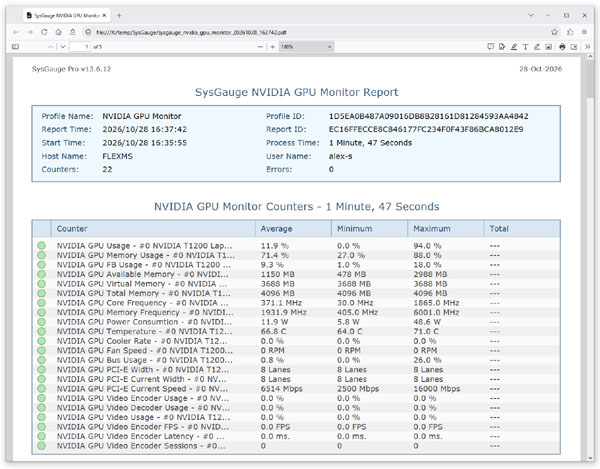
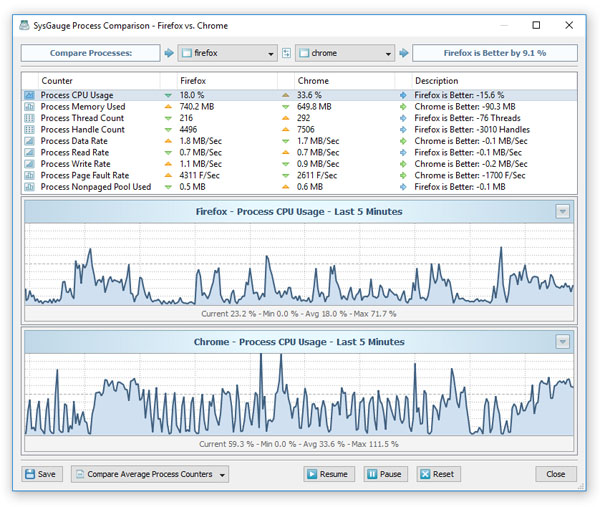
SysGauge Ultimate allows one to perform multiple, simultaneous monitoring operations in separate SysGauge GUI applications with
each one executing a different system monitor using a dedicated desktop shortcut. For example, in order to create a dedicated desktop
shortcut for a system monitor, select the monitor in the left-side monitors view, press the right mouse button
and select the 'Create Desktop Shortcut' menu item.

A desktop shortcut with the monitor name will appear on the desktop and in order to start this specific system monitor just click on
the desktop shortcut. When a monitor is started using the dedicated desktop shortcut, the SysGauge GUI application will display a compact
GUI interface showing only the components related to this specific monitor allowing one to focus on the relevant data.
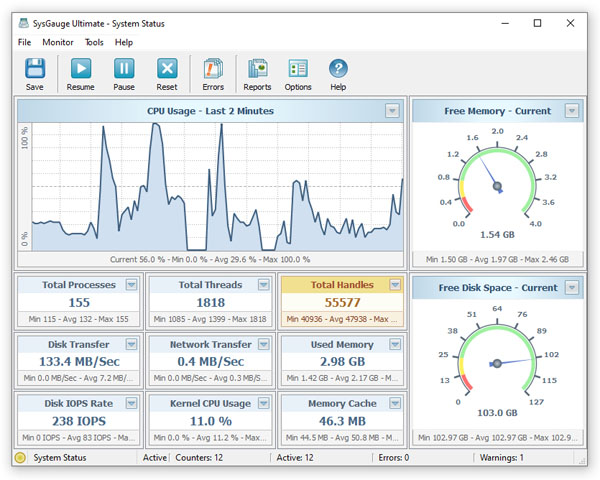
The user is provided with the ability to create dedicated desktop shortcuts for multiple different types of monitors, launch simultaneous
monitoring operations and place different monitoring windows on multiple physical monitors allowing one to effectively utilize multi-monitor configurations.